

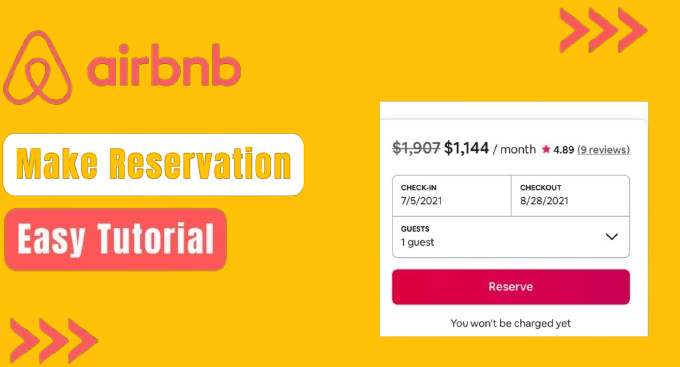
Airbnb Reservation Process: Step-by-Step Guide
Airbnb has transformed the way people travel by offering unique and affordable accommodations worldwide. Whether you’re looking for a cozy studio, a beachfront villa or a treehouse retreat, booking an Airbnb is simple. If it’s your first time using the platform, follow these steps to ensure a smooth experience. Step 1: Create an Airbnb Account Before you can book a stay, you’ll need to sign up on Airbnb: • Visit Airbnb.com or download the Airbnb app. • Click on “Sign up” and register using your email, phone number, or social media account. • Verify your identity if required (Airbnb may ask for government-issued ID for safety reasons). Step 2: Set Your Preferences Before searching, define what kind of stay suits your needs: • Location: Choose the city or neighborhood you want to stay in. • Budget: Set a price range to find options within your budget. • Number of Guests: Ensure the listing can accommodate everyone. • Amenities: Do you need Wi-Fi, a kitchen, parking, or pet-friendly accommodation? • Type of Stay: Decide between private rooms, shared spaces, or an entire home. Step 3: Browse Listings and Read Reviews Airbnb offers a variety of options, but choosing the right one requires careful research: • Use the filters to narrow your search. • Read reviews from past guests to check the reliability of the host and the condition of the listing. • Look at photos to ensure the accommodation meets your expectations. • Review the host’s profile to verify their credibility. Step 4: Check Policies and Fees Understanding the terms of your stay prevents surprises: • Cancellation Policy: Some hosts offer free cancellations, while others have strict rules. • Additional Fees: Look out for cleaning fees, service charges, and taxes. • House Rules: Some properties have restrictions, such as no parties or pet limitations. Step 5: Contact the Host(Optional) If you have any concerns or specific requests, message the host before booking. Ask about: • Local recommendations • Check-in and check-out flexibility • Any additional amenities they can provide Step 6: Make Your Reservation Once you’re satisfied with your selection: • Click “Reserve” or “Request to Book” (some listings require approval from the host). • Enter your payment details (Airbnb supports various payment methods). • Wait for confirmation from the host although, instant bookings don’t require approval. Step 7: Prepare for Your Stay After booking: • Receive check-in instructions from the host. • Save the location details and directions. • Pack accordingly, keeping house rules in mind. Step 8: Leave a Review After your trip: • Leave a review to help future guests make informed decisions. • Rate your experience honestly, including cleanliness, communication, and accuracy. By following the above steps, you will have a seamless Airbnb Booking experience.